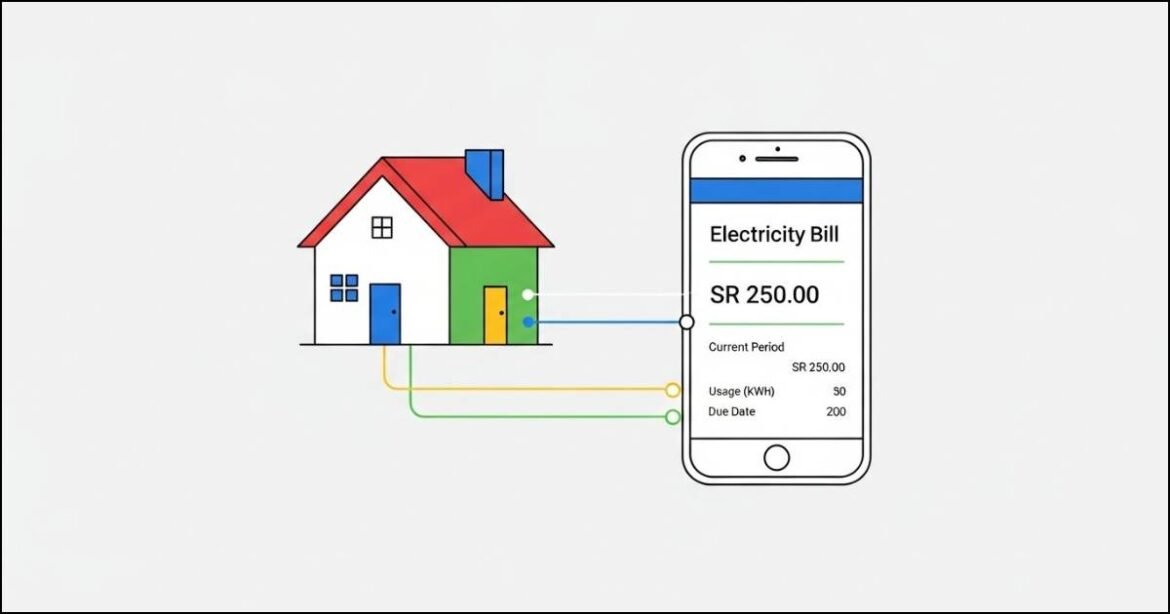
Living in Saudi Arabia means dealing with monthly utilities and electricity is always at the top of list. I know how frustrating it feels when you just want to check your Saudi electricity bill quickly without creating accounts or remembering passwords.
The good news is this.
The Saudi Electric Company (SEC), also known locally as Alkahraba, makes this process very Easy.
In this guide i will show you exactly how I check my electricity bill in under two minutes. No stress. No confusion. Just clear steps that work. 😊 So Lets Begin.
What You Can Do With Saudi Electricity Bill Services
Before we jump into steps, let me quickly explain what SEC allows you to do.
Here is what you can access:
- Instant bill checking without login
- WhatsApp bill checking
- PDF bill download with one-time registration
- Electricity usage tracking up to 3 years
- 24/7 customer support
This flexibility helps both new residents and long term users.
Fastest Way to Check Saudi Electricity Bill (No Login)
If you only want to know how much you need to pay, this is easiest option.
Step by Step Process
- Visit the official website: Saudi Electric Company
- Enter your Account Number or Meter Number
- Click on Proceed
- Your current payable amount will appear instantly
That’s it.
I use this method when I only need the due amount and do not want to log in anywhere.
This works perfectly for quick checks.
How to Check Saudi Electricity Bill via WhatsApp
Yes, you can check your bill on WhatsApp. I find this option very convenient.
Steps to Use SEC WhatsApp Service
- Save this number: +966 92000 1100
- Open WhatsApp and send Hi
- Choose Bills and Accounts
- Select Show My Bill
- Enter your Contract Account Number
Within seconds, your latest bill amount appears.
This method is helpful if you prefer chatting instead of browsing websites.
How to Find Your SEC Account Using Meter Number
If you just moved into a new home and don’t know your account number, do not worry. I faced the same issue once.
You can easily find it using your electricity meter number.
Steps Using the Alkahraba App
- Download the Alkahraba App
- Android: Google Play Store
- iOS: App Store
- Open the app and tap Continue as Guest
- Go to Account > Find Account or Meter Number
- Enter your Meter Serial Number
- Copy the SEC Account Number shown
- Go to Services
- Paste the account number
- View the due amount
This method is perfect for new tenants.
How to Download Saudi Electricity Bill PDF
If you need a PDF copy for records, visa files or reimbursement. You must register once on SEC website.
Step by Step Registration
- Visit Saudi Electric Company website
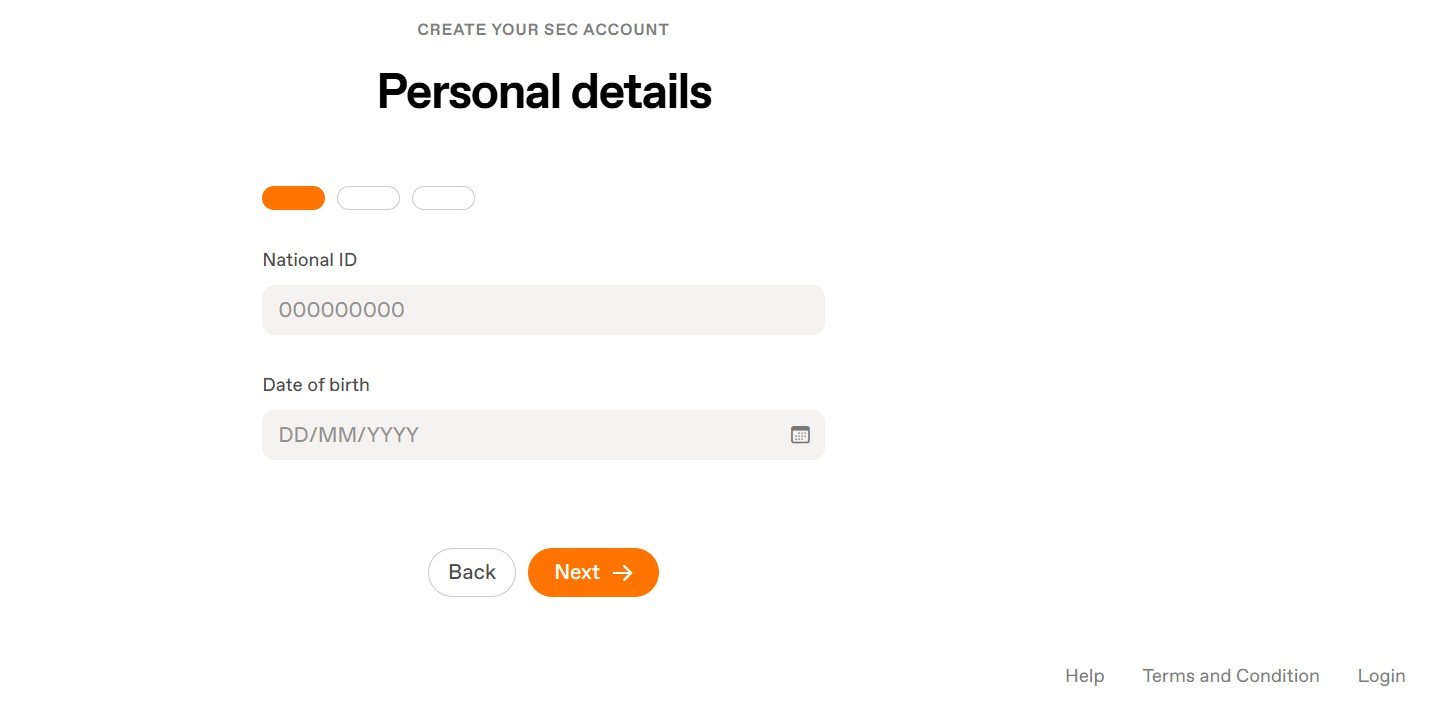
- Select Individual and click Start
- Enter:
- ID Type: Iqama Number
- Date of Birth
- Receive OTP via Absher SMS
- Enter Email and Mobile Number
- Set your password
- Complete registration
Add Your Electricity Account
- Log in to your SEC account
- Go to Dashboard
- Click My Services > Add Account / Meter Declaration
- Enter account number or meter number
Download PDF Bill
- Click View Bill
- Select View Current Bill
- Click Download Current Bill
Your PDF will download instantly.
I always keep a copy saved on my phone.
Tips to Manage Your Saudi Electricity Bill Better
Over time, I learned a few simple habits that really help.
- Keep your meter number saved
- Set reminders before due dates
- Monitor usage trends regularly
- Always save PDF copies
- Register once for full access
These small steps help avoid surprises.
How to Contact Saudi Electricity Company (SEC)
If you ever need help, SEC support is responsive.
- WhatsApp: +966 92000 1100
- Phone: 92000 1100
- Website: Saudi Electric Company
I recommend WhatsApp for quick responses.
Final Thoughts
Checking your Saudi electricity bill is no longer complicated. You do not need technical skills or long registrations.
You can use:
- SEC website
- Alkahraba mobile app
All options work smoothly.
If this guide help you, share it with someone who might need it. Many residents still struggle with this simple task.