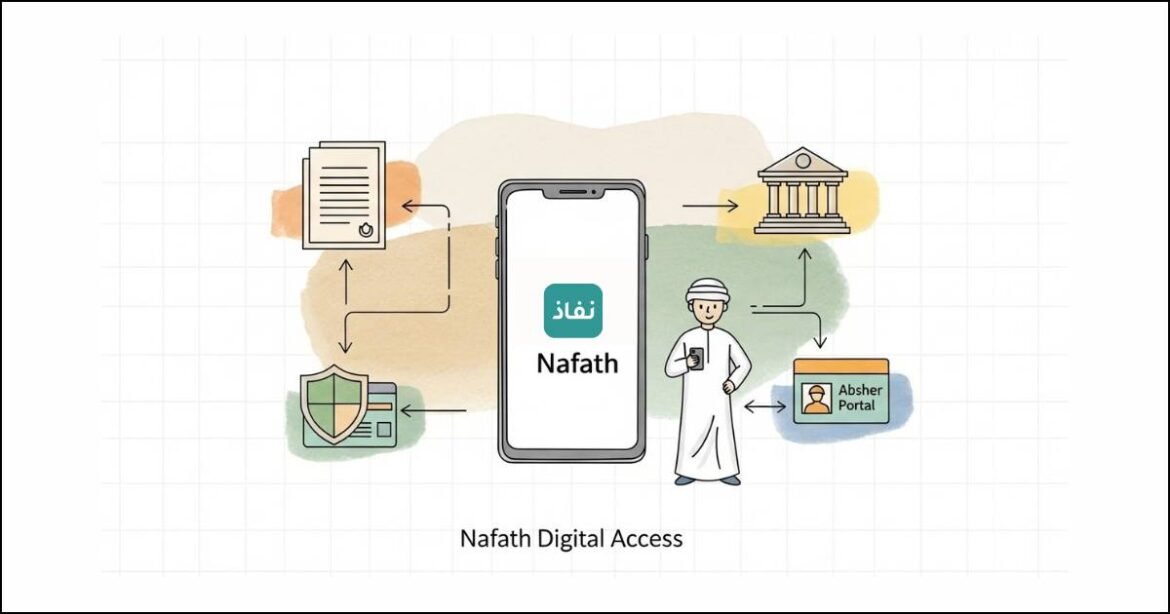
If you live in Saudi Arabia, there is one app you cannot avoid anymore. That app is Nafath.
I learned this the moment I tried to access a government portal and saw this warning message:
Please download the Nafath app and follow the activation process to log in.
At first, it felt confusing. But once I set it up. Everything became much easier.
In this guide i will explain everything step by step. I will show you how to download the Nafath app, register online, activate it, approve access requests and reset your login if needed.
What Is the Nafath App
The Nafath app is official digital identity and authentication app in Saudi Arabia. It is managed through the National Unified Access platform under iam.gov.sa.
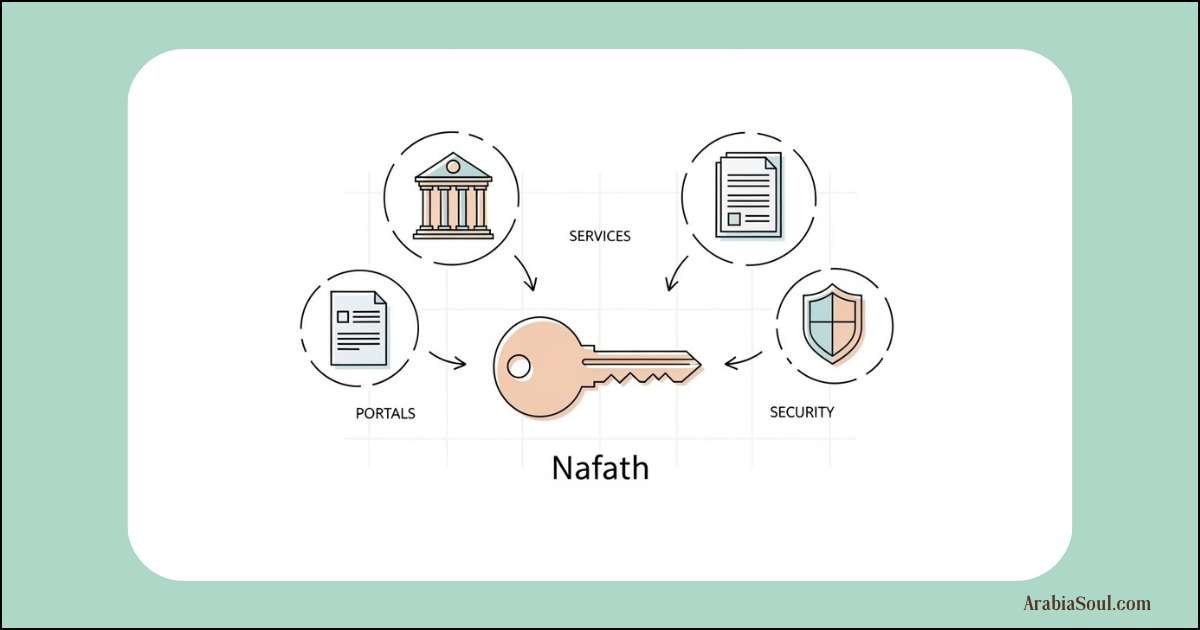
You need Nafath to securely access almost all Saudi government data portals.
Think of it as your digital approval key.
When Do You Need the Nafath App
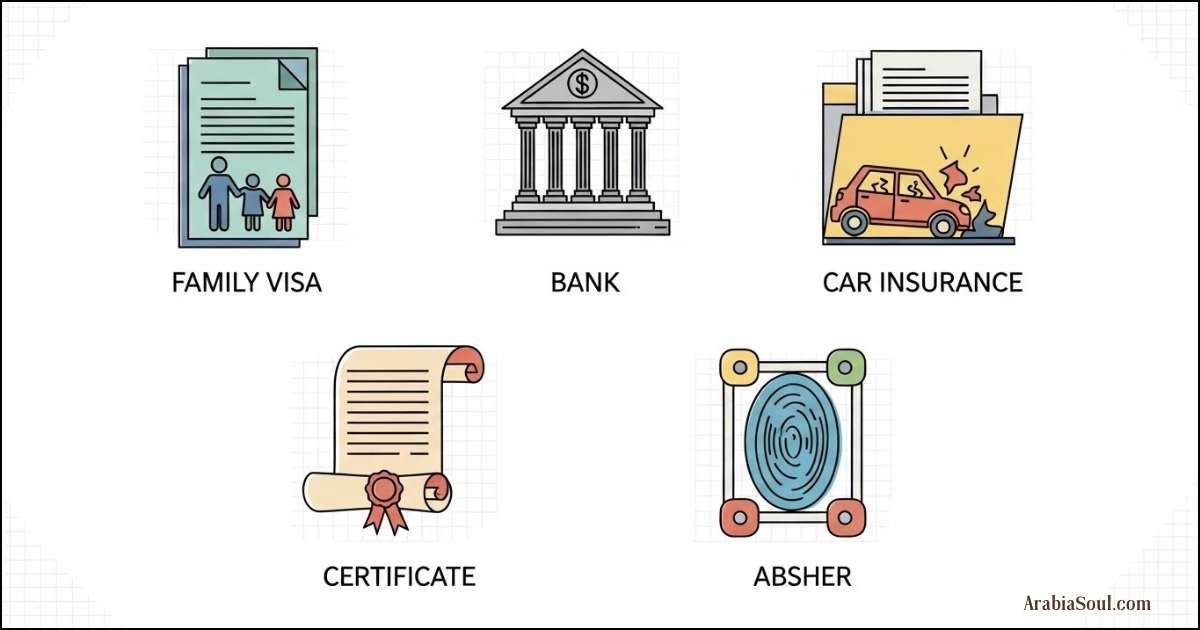
You will be asked to use Nafath when accessing services like:
- Applying for a Family Visit Visa
- Opening a bank account in Saudi Arabia
- Claiming insurance after a car accident
- Downloading a GOSI certificate
- Accessing government portals linked to Absher
If you see a request to approve access through Nafath, you cannot continue without it.
How to Download the Nafath App
First you need to download the app on your mobile phone.
You can get it from:
- Google Play Store for Android
- Apple App Store for iPhone
Search for Nafath and install the official app.
Make sure your phone number is active and linked to Absher before continuing.
Nafath Registration Online (Step To Step)
Once the app is installed. You need to activate it.
This registration is done online and takes only a few minutes.
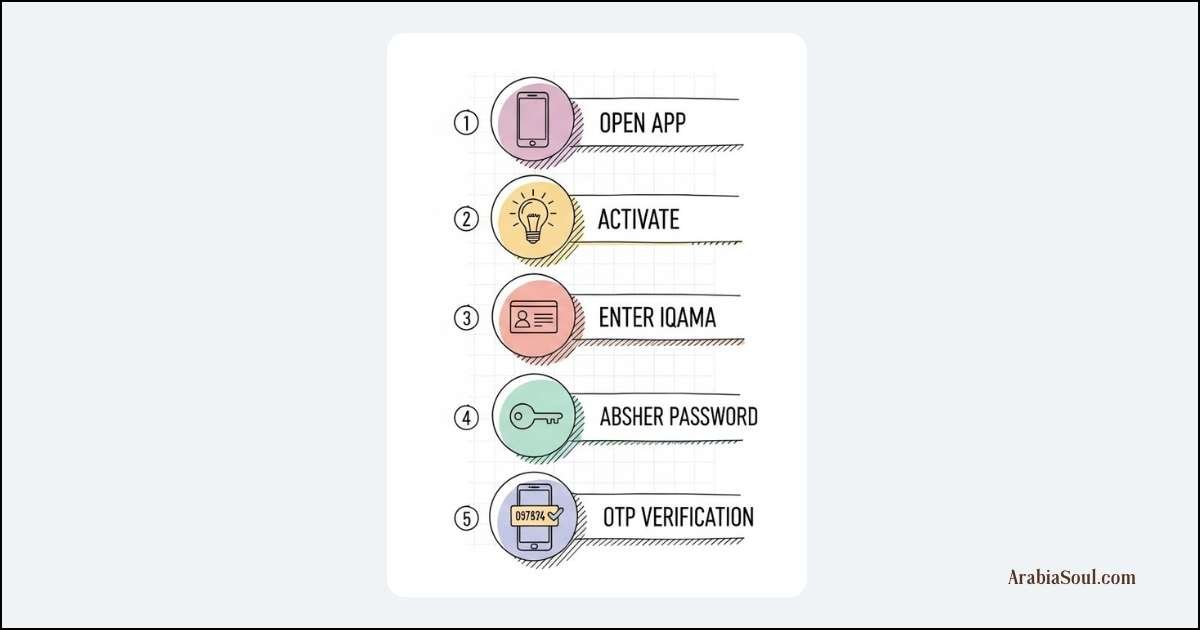
Steps to Register Nafath App
- Open the Nafath app
- Tap on Activate
- Enter your Iqama Number
- Enter your Absher password
- Enter the verification code sent to your mobile
After verification, you will move to next screen.
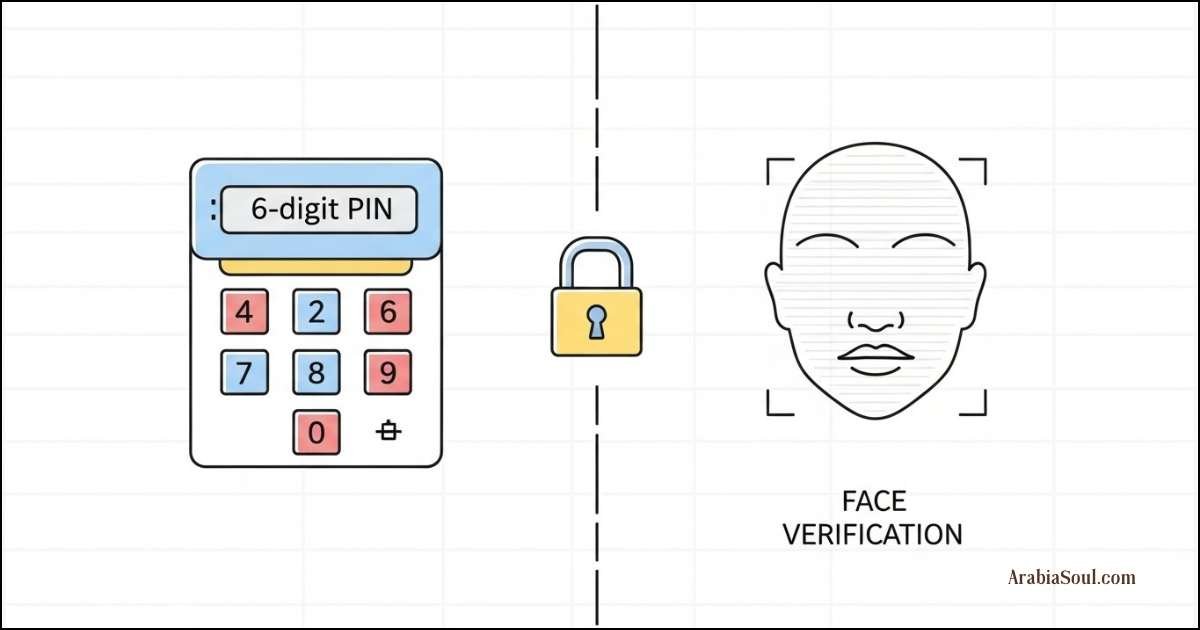
Create PIN and Enable Face Verification
On the next page, you will be asked to secure your account.
Here is what to do:
- Create a 6-digit PIN
- Enable Face Verification
This step is important. It protects your identity and ensures secure access.
Once done your Nafath account registration is complete.
How to Approve Nafath Access Requests
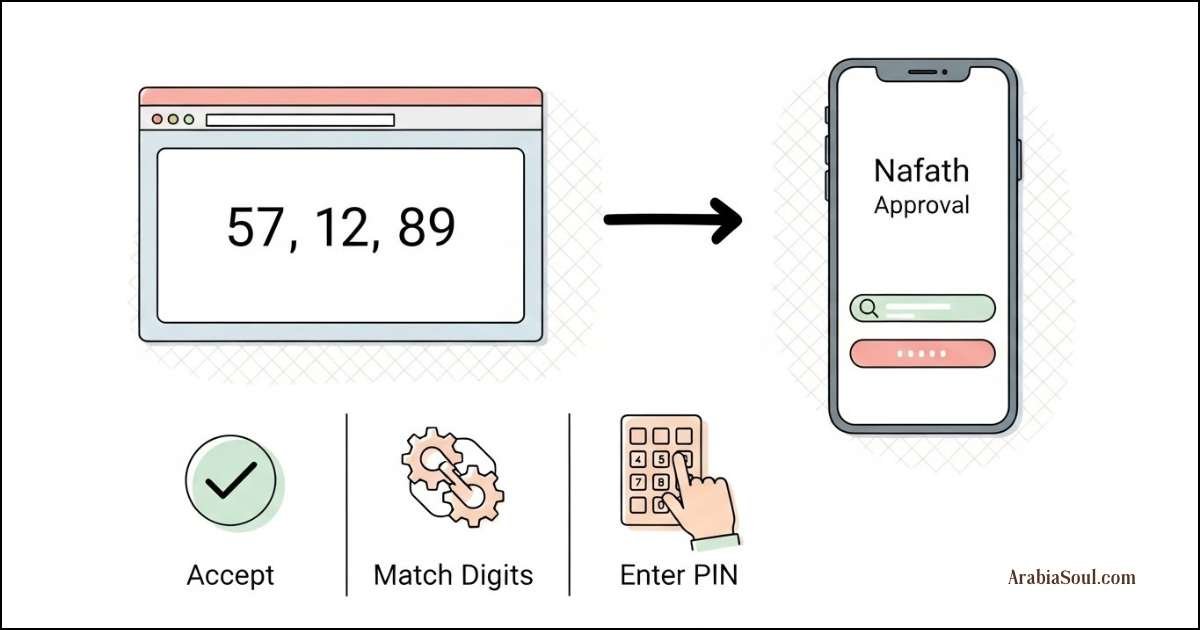
Every time you log in to a government portal, you will be asked to approve access using Nafath.
This is normal.
Steps to Approve a Nafath Request
- Open the Nafath app
- The app will automatically detect the request
- Tap on Accept
- Select the same digits shown on the portal website
- Enter your Nafath PIN
That’s it.
You have successfully approved the request and can continue using the service.
How to Reset Nafath Login or PIN
If you forget your Nafath PIN or face login issues. You can reset it easily.
To reset:
You have to go to settings and log out, after that you have to repeat the same process that you did during registration. I have told you above step by step. The same process has to be repeated. that’s it.
If you want more details, I have written the full detailed process on it, you can read this article: Reset Nafath Password
Common Issues and Tips From Experience
Here are a few things I learned the hard way:
- Your Absher account must be active
- Your mobile number must match Absher records
- Do not ignore face verification setup
- Keep your PIN private
- Always approve requests only from trusted government portals
Following these tips saves time and frustration.
Final Thoughts
The Nafath app is now essential for daily life in Saudi Arabia. Once you set it up properly, accessing government services becomes smooth and secure.
Registration takes only a few minutes but it saves hours later.
If you live in Saudi Arabia and use government portals. I strongly recommend activating Nafath today.
If this guide helped you, share it with someone who might be struggling with Nafath access.